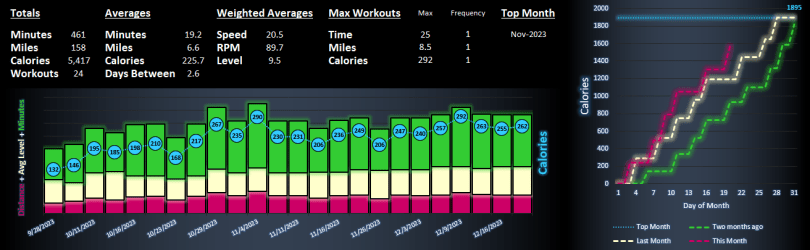
A few months ago I decided to combat my usual winter descent into laziness by purchasing an exercise bike. Naturally, with this big purchase came my desire to use data to track my progress throughout the winter. Namely:
- How do my recent workouts compare to my past workouts?
- What are my records on the bike?
- Am I doing better so far this month than last month? How about the month before?
Introducing the Hyzermetrics Workout Dashboard! The dashboard lets users visualize workout trends on the Nautilus U616 using the bike’s export to USB feature. Follow the below steps to begin using the dashboard.
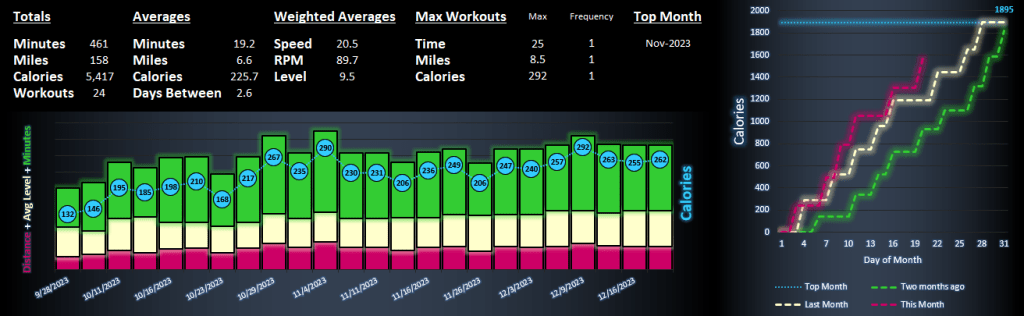
- Create a folder on your desktop called WorkoutArchive
- Download the SAMPLE DATA file and save as .csv into the newly created folder (WordPress wouldn’t let me upload a .csv, so I had to upload as .xlsx)
- Download the MyWorkouts spreadsheet and save it to your desktop
- Follow the instructions on the MyWorkouts spreadsheet to track your progress!
 Hyzermetrics